StremThru Lists
Description
StremThru Lists is a catalog addon for building a personalised Stremio homepage with lists from multiple providers.
Supported providers include:
- AniList
- Letterboxd
- MDBList
- TMDB
- Trakt
- TheTVDB
Configuration
Click the Configure button above to get started.
You can click on the various provider badges to see what URL formats are supported for each provider.
-
If you are planning on using lists from MDBList, provide your MDBList API Key (Ensure you are signed in to access your API key).
-
If you are planning on using lists from TMDB, click the
Authorizebutton next to the TMDB Auth code and follow the flow to obtain the Auth code, and then paste it in theTMDB Auth Codefield. -
Do the same for Trakt if you want to use Trakt lists.
-
Now, you can add your URLs for your lists from your preferred providers. For each list:
- Provide the URL (use one of the supported URL formats for that provider).
- You can optionally override the
Nameand theType(Movie/Series) of that catalogue. This is what shows up in Stremio. The exact way is different per platform, but generally it shows <name> - <type> (e.g. "My List - Movies", "Watchlist - Series", etc.). - You can check the
Shuffle Itemsbox if you want the items in that catalogue to be shuffled randomly every time you open Stremio. If you want to shuffle every catalog, there is a convenienceShuffle Items for All Listsoption at the bottom of the config page you may use instead. - Then, click the
+ Addbutton on the bottom right if you want to add more lists.
-
The next two config fields relate to the poster. RPDB and Top Poster are two services that provide posters with ratings overlaid on them. I discuss these in more detail here. If you want to use either of these services, simply input your API key for the service in the relevant field. If you don't want to use either of these services, simply leave these fields blank.
-
You can leave the
Preferred Meta IDsection as is. -
Now, simply click
Install. This will open Stremio with a prompt to install the addon. If that doesn't work, you'll see aManifest URLfield where you'll be able to click theCopybutton, use the copied manifest URL to install the addon manually.
Using MDBList with StremThru Lists
MDBList is one of the easiest ways to build high-quality custom catalogs.
MDBList workflows (optional)
- Build my own lists
- Use public lists
- Create/log in to your MDBList account.
- (Optional) Link Trakt if you want Trakt-synced workflows.

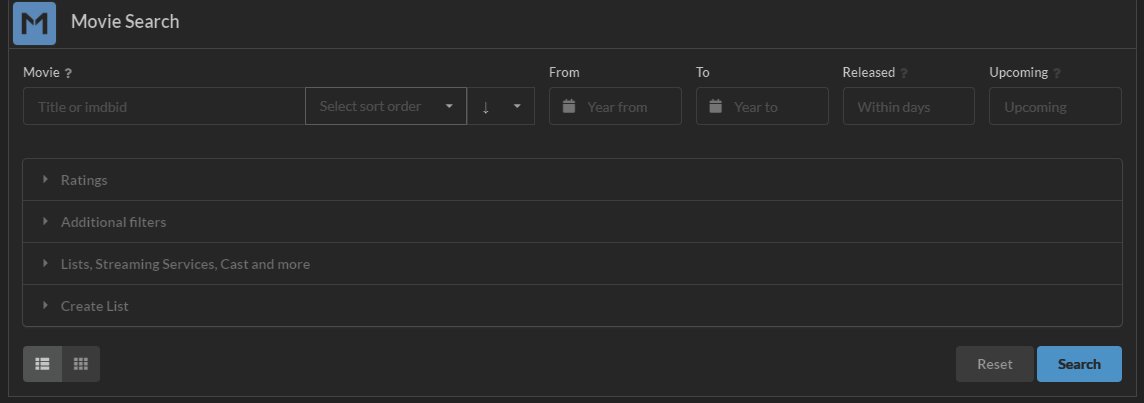
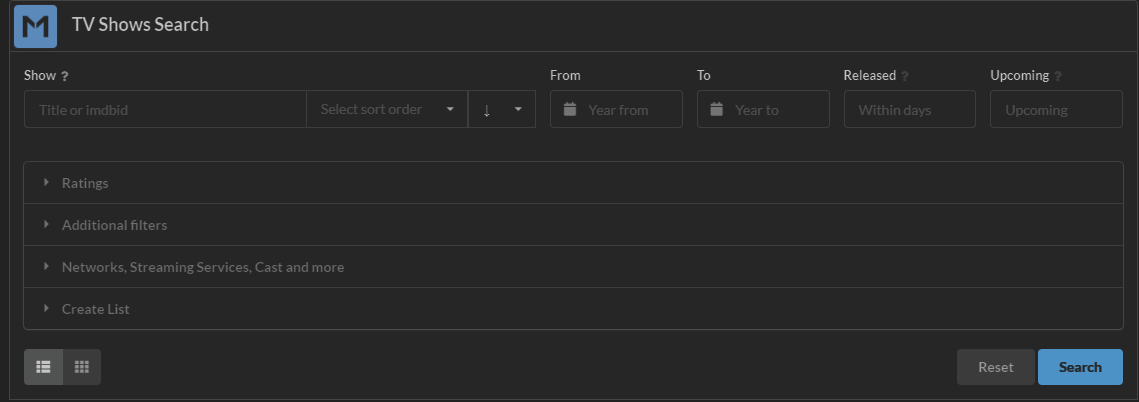
- Configure your filters and click
Search. - Use
Create Listand save your list.
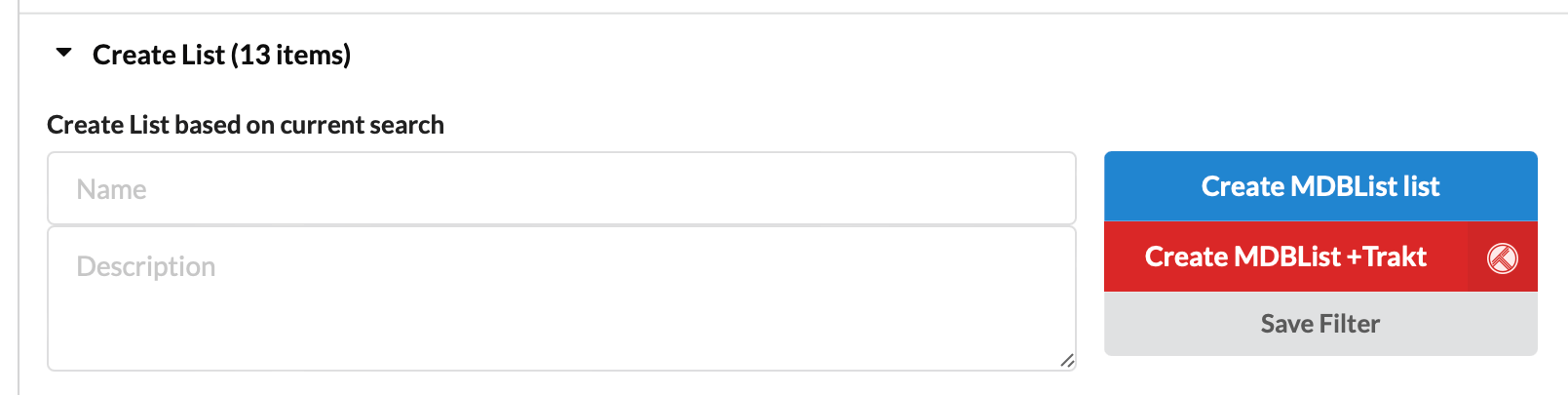
- Open My Lists and copy the list URL/ID.
- Paste it into StremThru Lists config and add it as a catalog.
Free MDBList accounts have list limits. If you need more curated options quickly, use public lists from established curators.
You can browse public lists on MDBList Top Lists or directly from curators.
Popular curator examples:
Copy the list URL/ID and add it in StremThru Lists configuration.
A common setup is:
- A few public MDBLists for broad discovery
- One or two personal MDBLists with your own strict filters
- Optional Trakt/AIOpicks for history-driven recommendations